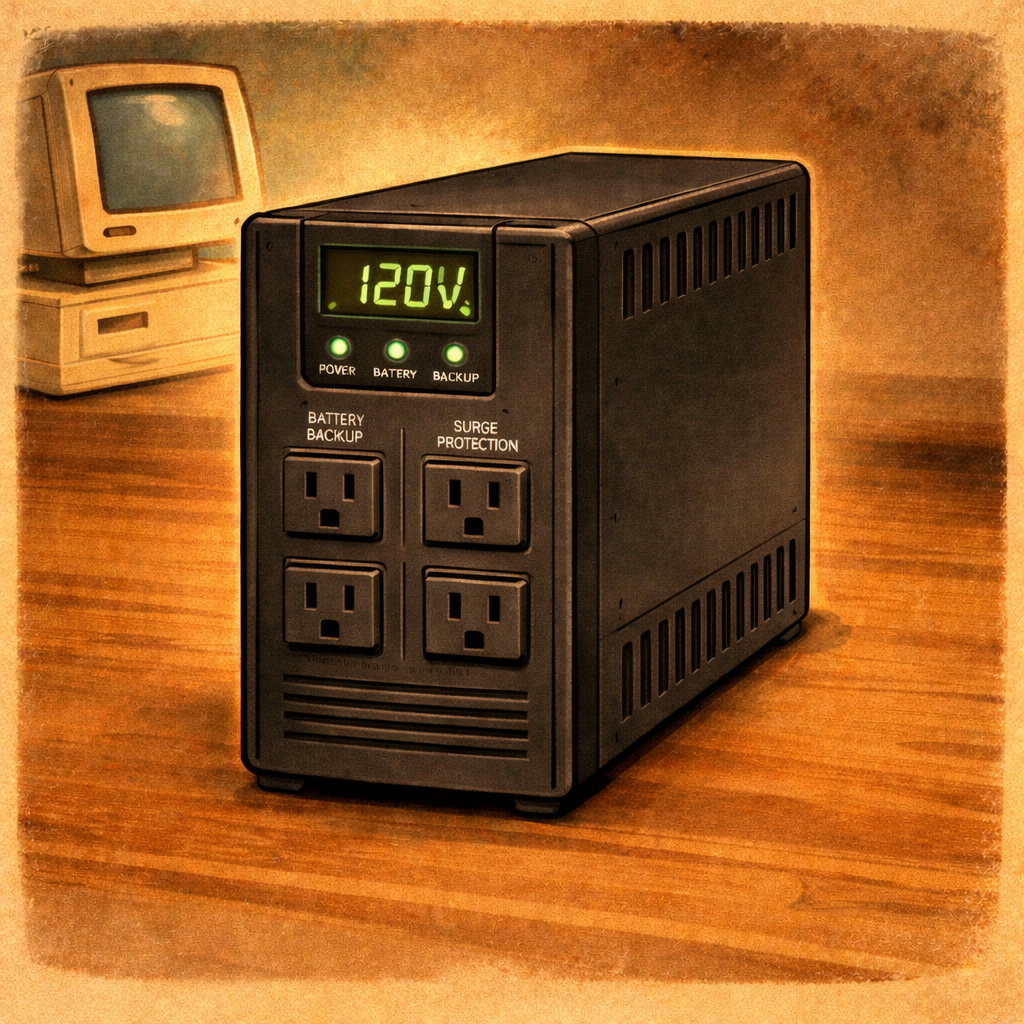
Unreliable power can cause many issues with sensitive equipment such as NASs, Computers, Routers and more. This article will cover basic UPS info and some basic electronics safety tips.
Common Recommendations:
Below are links to UPS units I use and recommend to Family, Friends, and customers. Please check how many ports is needed before purchase!
CyberPower
- Large Battery Option
- 6 Battery Ports
- 6 Surge Ports
Amazon Brand
- Cheapest Option
- 4 Battery ports
- 4 Surge Ports
Tripp Lite
- Rack Mountable
- 4 Battery Ports
- 4 Surge Ports
*I am an Amazon Affiliate and receive commission from Amazon links in this article*
What is a UPS?
A UPS (Uninterruptible Power Supply) is a device that sits between your equipment and the wall outlet, providing instant backup power and electrical protection. Inside, it uses a battery to keep devices like desktop PCs, servers, routers, and networking gear running for a short time during a power outage—long enough to safely shut them down or continue brief operation. Beyond backup power, a UPS also protects against common electrical issues such as power surges, voltage spikes, brownouts (low voltage), and sudden power loss, all of which can damage hardware, corrupt data, or interrupt critical tasks. In short, it acts as both a safety buffer and a power stabilizer for your electronics.
How to Use:
Not every device in your home or office needs to be connected to a UPS. Focus on protecting critical and sensitive equipment.
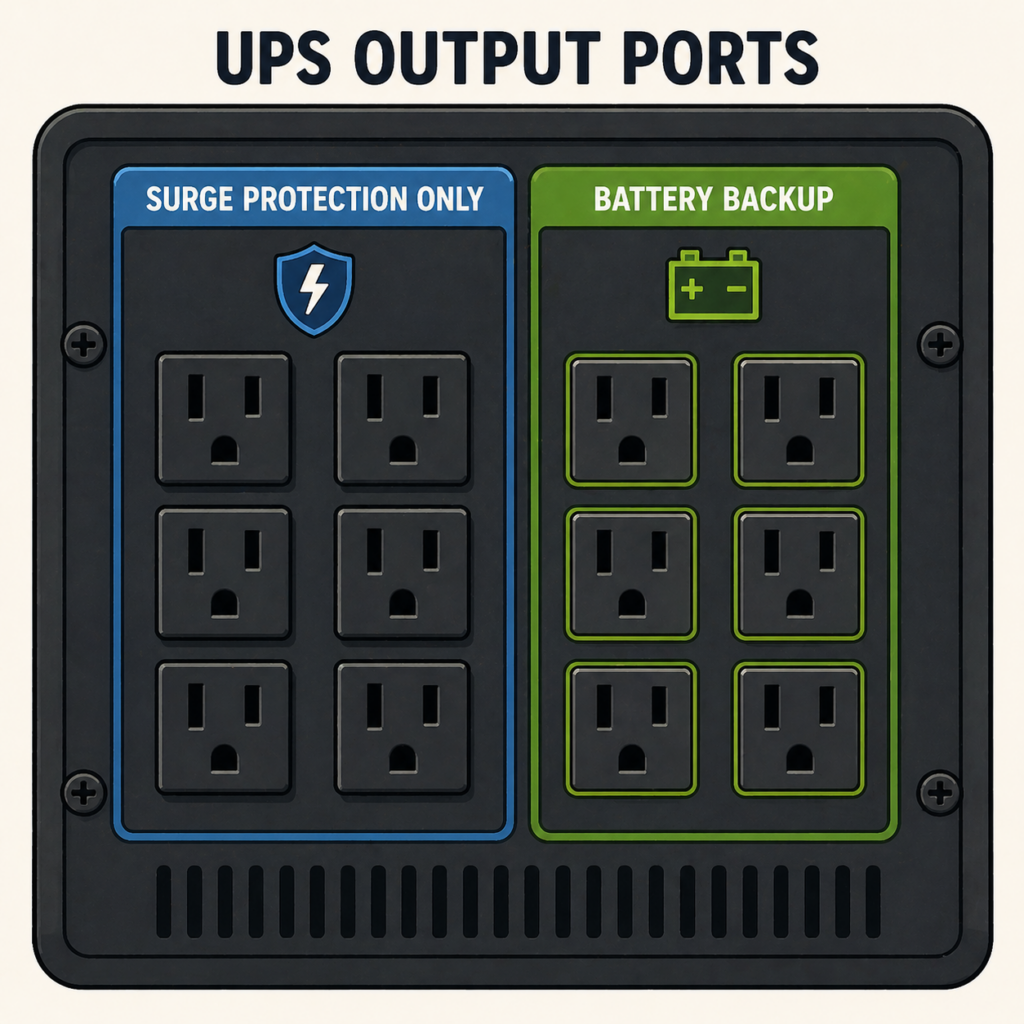
The UPS is split between Surge Protection Only and Battery (Also with Surge Protection.) Ensure the correct device is connected to the correct port type. A common example is to connect the Router to the UPS.
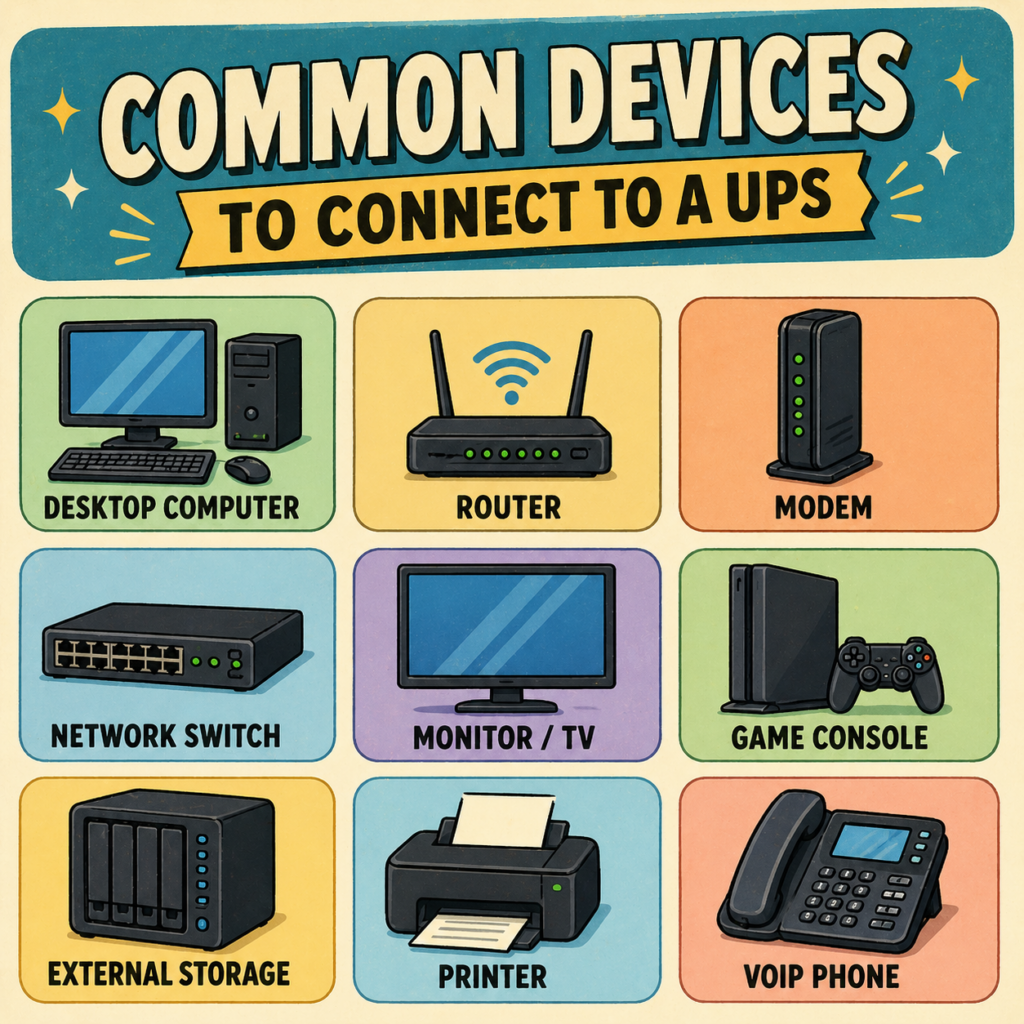
Common Devices for Battery Connection!
Here is a list of common devices to connect to the Battery Side of an UPS:
- Desktops, All-In-Ones & Laptop Computers
- Routers & Modems
- Network Switches
- Servers and NAS Units
- Printers and Phones
- Gaming consoles
- Important Monitors/TVs
Battery Connection:
The following are common devices to keep on the Battery ports.
- Desktops, All-In-One Computers & Laptops: Prevent data loss and hardware damage by keeping your PC or server powered during outages.
- Modems, Routers, and Antennas: Maintain internet connectivity for essential communications, especially during remote work or emergencies. Modems, and Antenna, can take up to 10 minutes to reconnect to internet after power loss – depending on model. This can be extra important for emergency response units.
- External Storage and NAS Devices: Protect data on Network Storage and ensure safe data transfers during power fluctuations.
- Home Automation Hubs: Keep smart home systems operational to avoid interruptions in security and automation.
- Printers: I always have my printers on a Battery Supply for additional protection. Though my printer was $400.
- Gaming Consoles: Avoid corrupted game saves and potential hardware issues by using a UPS for consoles like PlayStation or Xbox.
- Important Monitors/TVs: Some locations may have a security system and having the monitors on an UPS can help security keep an eye on all cameras when there is a temporary power loss.
- Medical Equipment: For home medical devices that require constant power, a UPS is essential.
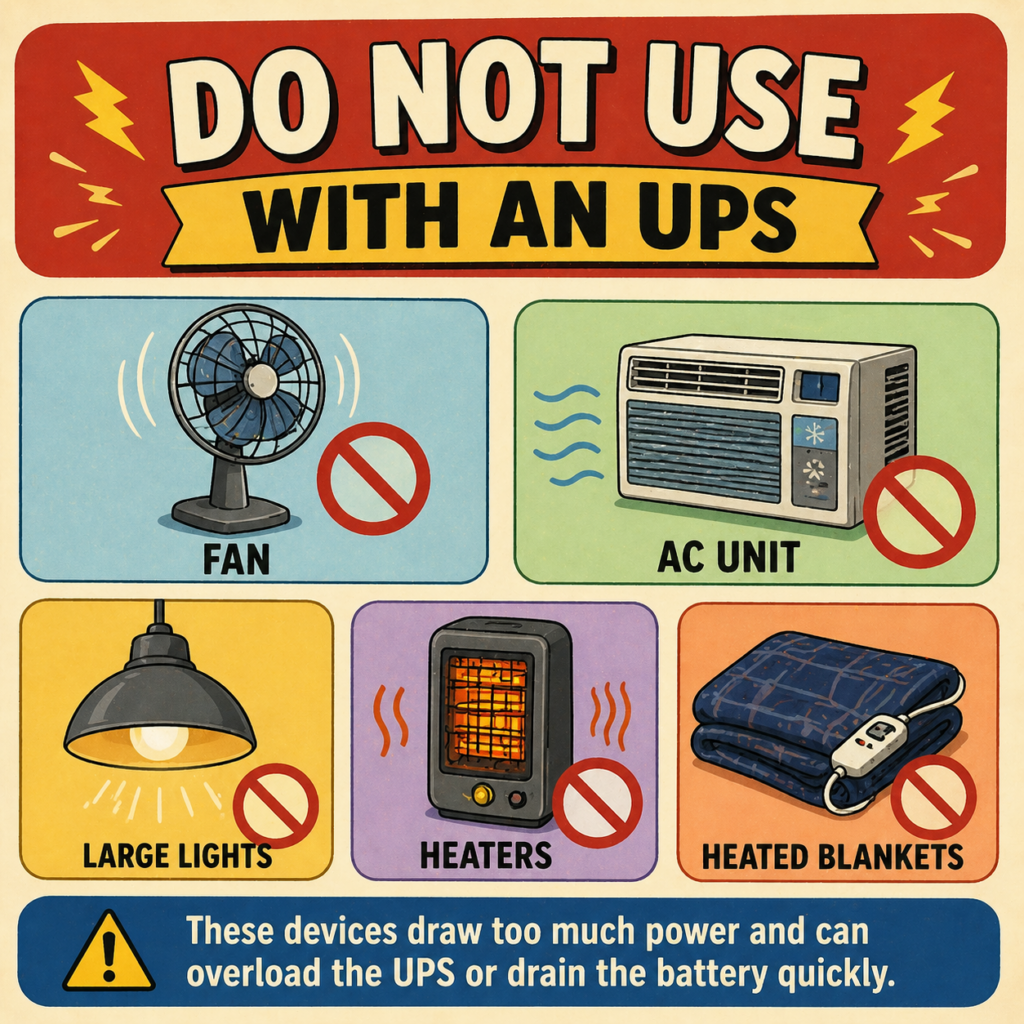
Do Not Use With an UPS:
Power Hungary devices should not be used with an UPS – neither the Battery nor Surge. These include but are not limited to:
- Heaters or Heated Blankets
- Fans
- Large Lights
- AC Units
- Air Purifiers
- Cooking Equipment
Surge Protector Only:
Some devices do not need to be on the battery because they are not essential and would take power away from devices that are essential. These other devices should still be on a Surge Protector to help prevent damage from power issues.
- Unimportant Displays, such as Monitors, or TVs: While generally they do not need battery backup – in some situations they can be on the Battery so that devices can be saved and shutdown properly.
- Large or Multiple Lights/Lamps: One small light can be on an UPS so that there is at least one light during a power outage. However, Large Lights, Lamps or multiple small lights should not be used with the battery. They can be used with the Surge Protector Only ports if there are no other options.
- Cellphone/Tablet Chargers: Generally Cellphones and Tablets are charged using the Surge Protector Only ports.
- Speakers are commonly used with the Surge Protector.
Safety Tips:
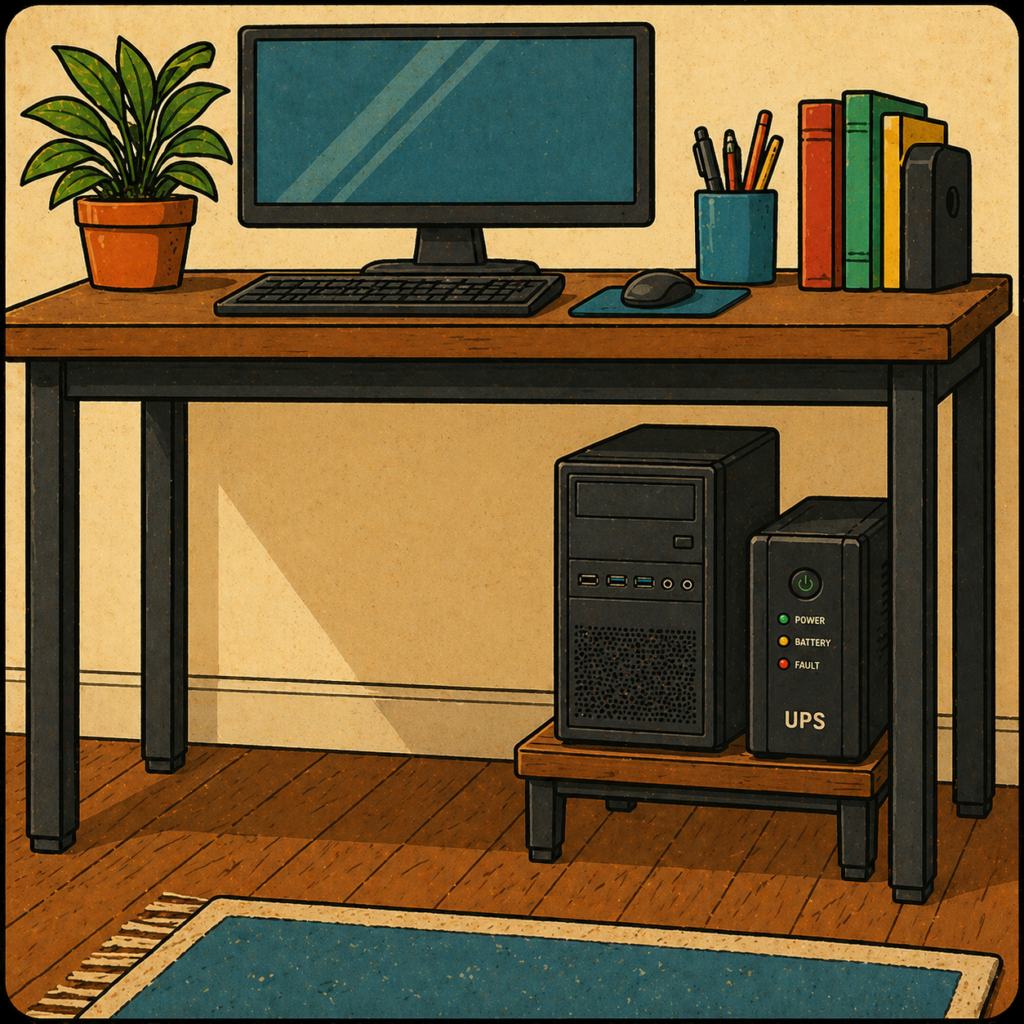
While often overlooked. It is important to keep all electrical devices off of the ground. Leaks and Spills pose a fire risk with any electronics, or power connectors, that are on the ground This includes, but is not limited to:
Desktop Towers, UPS Units, Laptops, Surge Protectors, Power Strips and other similar devices.
Use a dedicated stand, shelf or Mount to keep all electronics off of the ground.
Do not Daisy Chain – Connect an UPS (Or Surge Protector Strip) directly into another UPS (Or Surge Protector Strip). Majority of UPS units are not designed to work while Daisy Chained and are a fire hazard when used this way.
Conclusion
In conclusion, a UPS is a simple but powerful way to protect your equipment, your data, and your workflow from unexpected power problems. By providing instant backup power and shielding against surges, spikes, and outages, it helps prevent costly damage and frustrating downtime. Whether you’re running a home office, gaming setup, or small network, choosing the right UPS and connecting the right devices ensures your most important systems stay safe and reliable. In the long run, a UPS isn’t just a convenience—it’s a smart investment in stability and peace of mind.